Home
Why You Might Need a Canva Alternative and Which One to Choose
In the current digital landscape, Canva has long been the default choice for non-designers looking to create social media graphics, presentations, and marketing materials. However, as we move through 2026, a phenomenon known as "Canva Fatigue" has begun to settle in. What started as a simple, intuitive tool has expanded into a massive suite of AI features, document editors, and video tools that some users find increasingly cluttered and expensive.
Adobe Express
Top Choice For: Professional-grade results and seamless integration with Photoshop/Illustrator workflows.
VistaCreate
Top Choice For: Small businesses focused on high-quality print marketing and physical products.
Graphite
Top Choice For: Privacy-conscious users and pros needing non-destructive vector editing.
Recent shifts in the market—most notably significant pricing adjustments for team accounts—have prompted many small businesses and freelancers to look elsewhere. Whether you are seeking a tool that offers better offline support, more robust vector capabilities, or simply a lower monthly bill, the current crop of competitors offers diverse solutions that cater to specific technical requirements Canva often ignores.
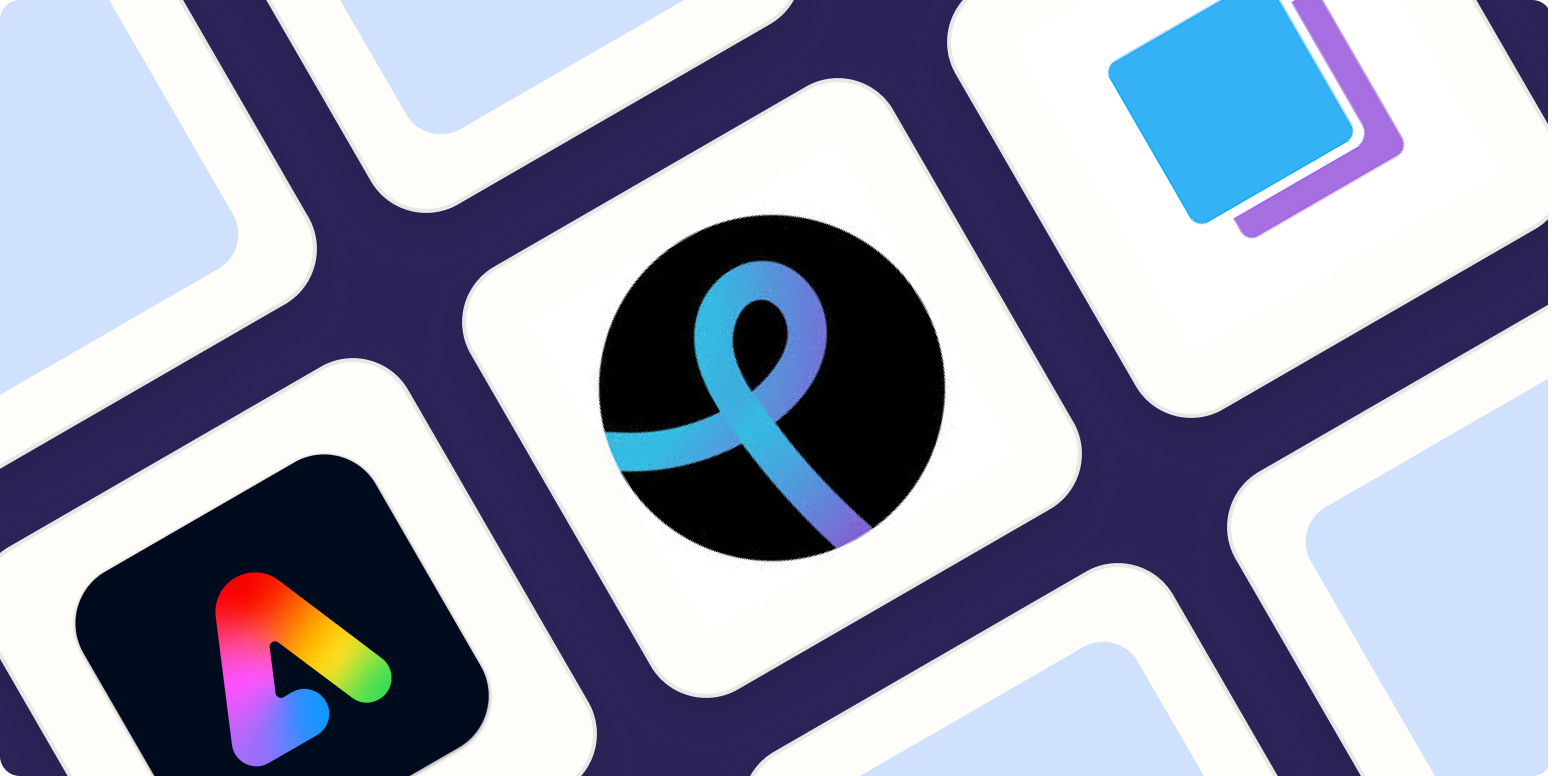
Image source: Zapier
Why Are Users Switching Away From Canva Right Now?
The primary driver for the recent exodus is a significant change in the "Teams" pricing structure. According to community discussions on Reddit , many small teams have seen their annual costs jump from approximately $120 to over $200. For a small business or a two-person startup, this nearly 70% increase is a hard pill to swallow, especially when many of the new "Magic Studio" AI features feel like unnecessary bloat for those who just want to make a quick Instagram post.
Beyond pricing, there is the issue of "Feature Overload." Canva’s interface, once celebrated for its minimalism, is now crowded with AI suggestions, document collaboration tools, and video editing timelines. For users who value task efficiency, this "noisy" interface can actually slow down the creative process. If you find yourself spending more time closing pop-ups and navigating menus than actually designing, you are experiencing the friction that is driving the demand for leaner alternatives.
Finally, data ownership and privacy have become central concerns. As AI models require massive amounts of data for training, users are becoming wary of Canva’s "AI Product Terms." Many professional organizations, particularly in healthcare and government, require local file control and the ability to work offline—features that Canva’s cloud-only, proprietary ecosystem does not prioritize. This has opened the door for "local-first" tools that respect user data sovereignty.
The Top Overall Canva Alternative for Professional Results
If you are looking for a tool that matches Canva's ease of use while offering a more professional trajectory, Adobe Express stands out as a top choice. Long considered the "lite" version of Adobe's pro suite, Express has evolved into a powerhouse that bridges the gap between amateur design and professional production.
The "killer feature" here is the integration with the broader Adobe Creative Cloud. Hybrid teams can have a professional designer create a complex asset in Illustrator or Photoshop and then share it directly to Adobe Express, where a marketing manager can make minor text edits or resize it for social media without breaking the original design's integrity. This workflow is something few competitors can match.
Adobe Express also offers a remarkably robust free tier. According to Zapier's analysis , the free version includes over 100,000 templates and more than 1 million design assets. Furthermore, Adobe’s "Firefly" generative AI is widely regarded as one of the most "commercially safe" options on the market, as it is trained on Adobe Stock images and public domain content, reducing the legal risks associated with AI-generated art.
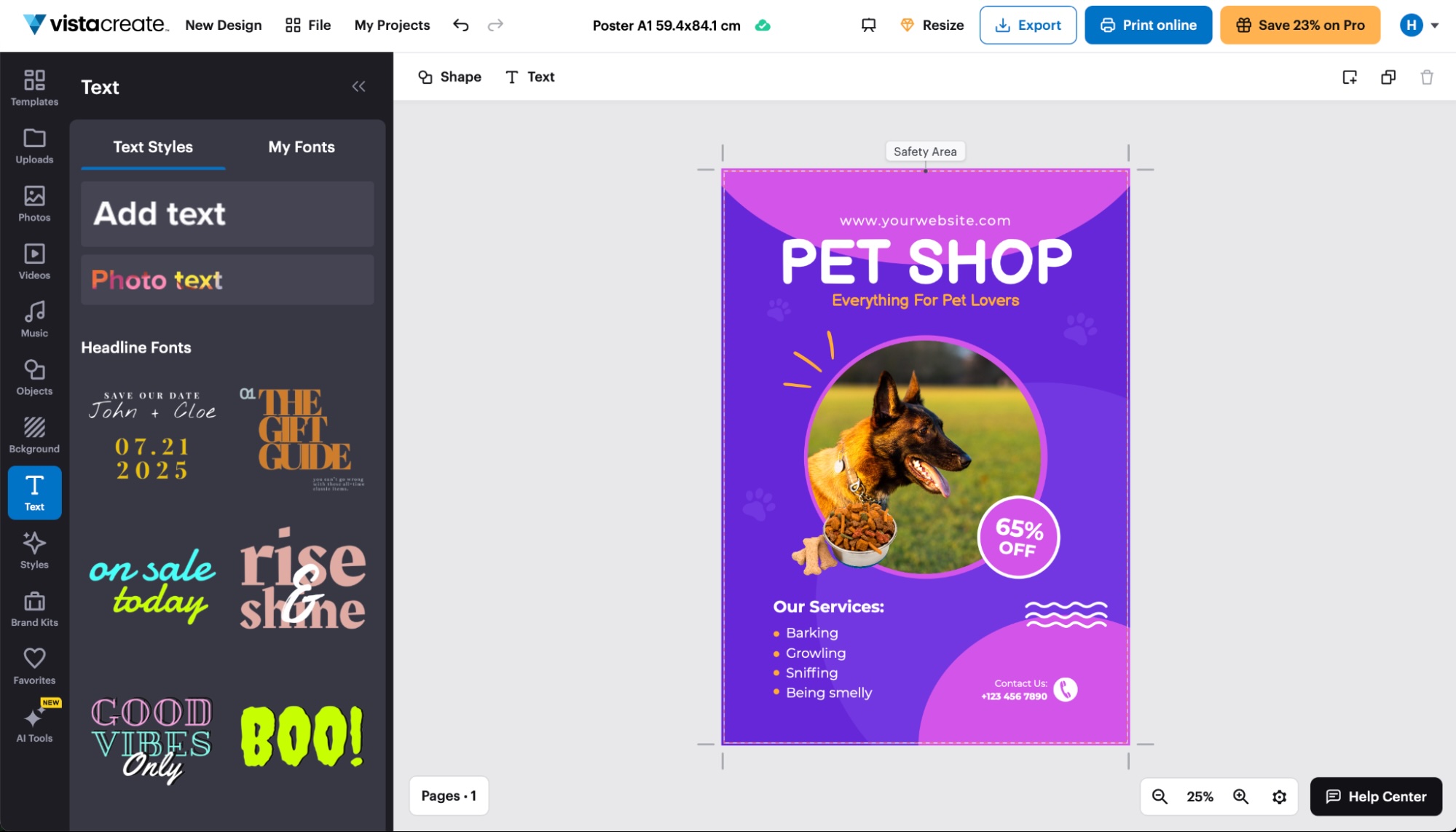
Image source: Zapier
Which Tools Are Best for Specific Design Needs?
Not every designer is looking for an all-in-one ecosystem. Sometimes, the most effective tool is the one that does one thing exceptionally well. Here are the top-rated specialized alternatives for 2026.
VistaCreate for High-Quality Print Projects
Formerly known as Crello, VistaCreate has carved out a significant niche by focusing on the transition from screen to physical product. Because it is owned by Vista (the parent company of VistaPrint), the integration between the design software and the printing press is seamless. If you are designing business cards, flyers, or banners, VistaCreate provides "print-ready" templates that ensure your margins and bleeds are correct before you hit order.
Visme for Data Visualization and 3D Presentations
For "numbers people" who need to turn complex spreadsheets into digestible infographics, Visme is widely considered one of the best options available. Unlike Canva, which treats charts as static elements, Visme allows for interactive data visualization. You can create "hover-over" effects, animated 3D assets, and magazine-style layouts that feel significantly more sophisticated than a standard slide deck. It is a popular choice for corporate reports and educational content where data clarity is paramount.
Snappa for Quick and Simple Social Media Posts
If Canva feels too bloated, Snappa is the "anti-bloat" alternative. It intentionally limits its feature set to focus on speed. There are no complex AI tools or video timelines here; instead, you get a highly optimized workflow for creating social media headers, posts, and ads. While the free tier is limited to three downloads per month, it provides access to the full library of photos and graphics, making it an excellent choice for occasional users who don't want to pay a monthly subscription.
Privacy-First and Open-Source Options for Data Ownership
For a growing segment of the design community, the "cloud-only" model is a dealbreaker. Whether for security reasons or simply a desire for faster performance, these tools offer a different technical philosophy.
Graphite for Non-Destructive Node-Based Editing
Graphite is a notably innovative tool built using Rust and WebAssembly. This technical foundation makes it significantly faster than standard JavaScript-based editors, especially when handling complex vector paths. Unlike the "layer-based" logic of Canva, Graphite uses a procedural node graph . This allows for non-destructive editing: you can change the base shape of an object, and all the effects, colors, and transformations applied later in the "graph" will update automatically.
Most importantly, Graphite is "local-first." Your files never leave your browser unless you choose to export them. This makes it a top-tier option for users who are wary of cloud storage and want to ensure their creative work remains private.
Lunacy for Offline Design and Local File Storage
Developed by Icons8, Lunacy is one of the few Canva alternatives that offers a full-featured offline mode. It is a native application (available for Windows, Mac, and Linux) that works without an internet connection. It is fully compatible with .sketch files and includes built-in AI tools (like background removers and image upscalers) that run locally on your machine. For designers who travel or work in areas with unreliable internet, Lunacy is a highly recommended solution.
How to Design Quickly Without Creating an Account
One of the biggest friction points in modern software is the "forced signup." Sometimes you just need to crop an image or add text to a photo on a public computer without wanting to hand over your email address to another marketing list.
Polotno Studio addresses this need perfectly. It is a browser-based editor that requires zero account creation . You can go to the site, start designing with a library of templates and icons, and export your work as a PNG or PDF immediately. There are no "Pro" watermarks and no "Sign Up to Download" prompts. It is the ultimate "frictionless" workflow for quick tasks or privacy-conscious users who want to avoid the "SaaS-ification" of simple design tasks.
Technical Differences Between Canva and Professional Design Tools
To choose the right tool, it is helpful to understand why professional designers often avoid Canva for certain tasks. The gap isn't just about "ease of use"—it's about the underlying math of the images.
| Feature | Canva / Adobe Express | Graphite / Inkscape | Why It Matters |
|---|---|---|---|
| Image Type | Primarily Raster-based | True Vector-based | Vectors can scale to the size of a billboard without pixelating. |
| Color Space | RGB (Screen) | CMYK (Print) Support | RGB colors often look "muddy" or different when printed on physical paper. |
| Editing Logic | Layer-based (Destructive) | Node-based (Non-destructive) | Non-destructive editing allows you to undo specific changes hours later. |
| Storage | Proprietary Cloud | Local / Open Formats | Local storage ensures you own your files even if the company goes bust. |
If you are designing a logo that will eventually be printed on a vehicle wrap or a large storefront sign, using a vector-based tool like Inkscape or Graphite is essential. Canva’s lack of true vector path editing means that while your logo looks great on a phone screen, it may appear blurry or "jagged" when scaled up to professional print sizes.
How to Migrate Your Team Without Breaking the Bank
If you have decided to leave Canva Pro or Teams, the transition requires a bit of planning. You cannot simply "import" a Canva file into another tool and keep all the layers editable, as Canva uses a proprietary format.
- Step 1: Audit Your Assets. Identify which designs are "active" and need to be moved. Don't waste time migrating old social posts from three years ago.
- Step 2: Export as SVG/PDF. For any design you want to keep editable, export it as a "PDF Print" or SVG. This preserves the vector paths for tools like Adobe Express or VistaCreate.
- Step 3: Set Up Your New Brand Kit. Upload your logos and set your primary colors in the new tool first. This ensures consistency from day one.
- Step 4: The "Shadow" Period. Keep your Canva account for 30 days while working in the new tool. This gives you a safety net if you realize you forgot to export a critical file.
Frequently Asked Questions
Yes, several options exist depending on your needs. Graphite and Polotno Studio are entirely free to use without hidden subscriptions. For those needing professional vector power, Inkscape is a long-standing open-source favorite. While Adobe Express and VistaCreate have free tiers, they often lock their most popular templates behind a paywall.
Lunacy stands out as a top choice for offline design. It is a native desktop application that doesn't require an internet connection to function. This is a significant advantage over Canva, which is essentially a web browser wrapper that becomes non-functional without a stable connection.
Directly opening a .canva file is not currently possible because the format is proprietary. However, you can export your Canva design as a high-quality PDF and then import that PDF into Adobe Express. Adobe's AI will attempt to recognize the text and shapes, making them editable again, though some complex layouts may require manual fixing.
For long-form content like eBooks or whitepapers, Visme and Desygner are often preferred over Canva. They offer better "master page" controls and automatic page numbering, which makes managing a 50-page document much easier than Canva’s slide-by-slide approach.
The primary reason is the "Vector vs. Raster" gap. Professional logos must be created as vectors (mathematical paths) so they can be scaled infinitely. Canva is primarily a raster-based tool (pixel-based), meaning designs can lose quality when resized. Additionally, Canva's licensing terms can make it difficult to trademark a logo that uses their stock elements.
The Bottom Line
Choosing a Canva alternative in 2026 isn't about finding a "clone"—it's about finding a tool that solves your specific friction points. Whether you are fleeing price hikes or seeking more technical control, here are the key takeaways:
- Adobe Express is the top choice for those who want a professional ecosystem and AI safety.
- VistaCreate ranks among the top for small businesses focused on physical print marketing.
- Visme stands out as a top choice for data-heavy presentations and interactive infographics.
- Graphite and Lunacy are the premier options for privacy, data ownership, and offline work.
- Polotno Studio offers a notably innovative "no-login" experience for quick, frictionless tasks.
Before committing to a new subscription, try the free version of at least two different tools to see which interface aligns with your natural creative workflow.