Home
Home
How to Write a Message for Professional Academic and Creative Success
What Makes a Message Truly Effective?
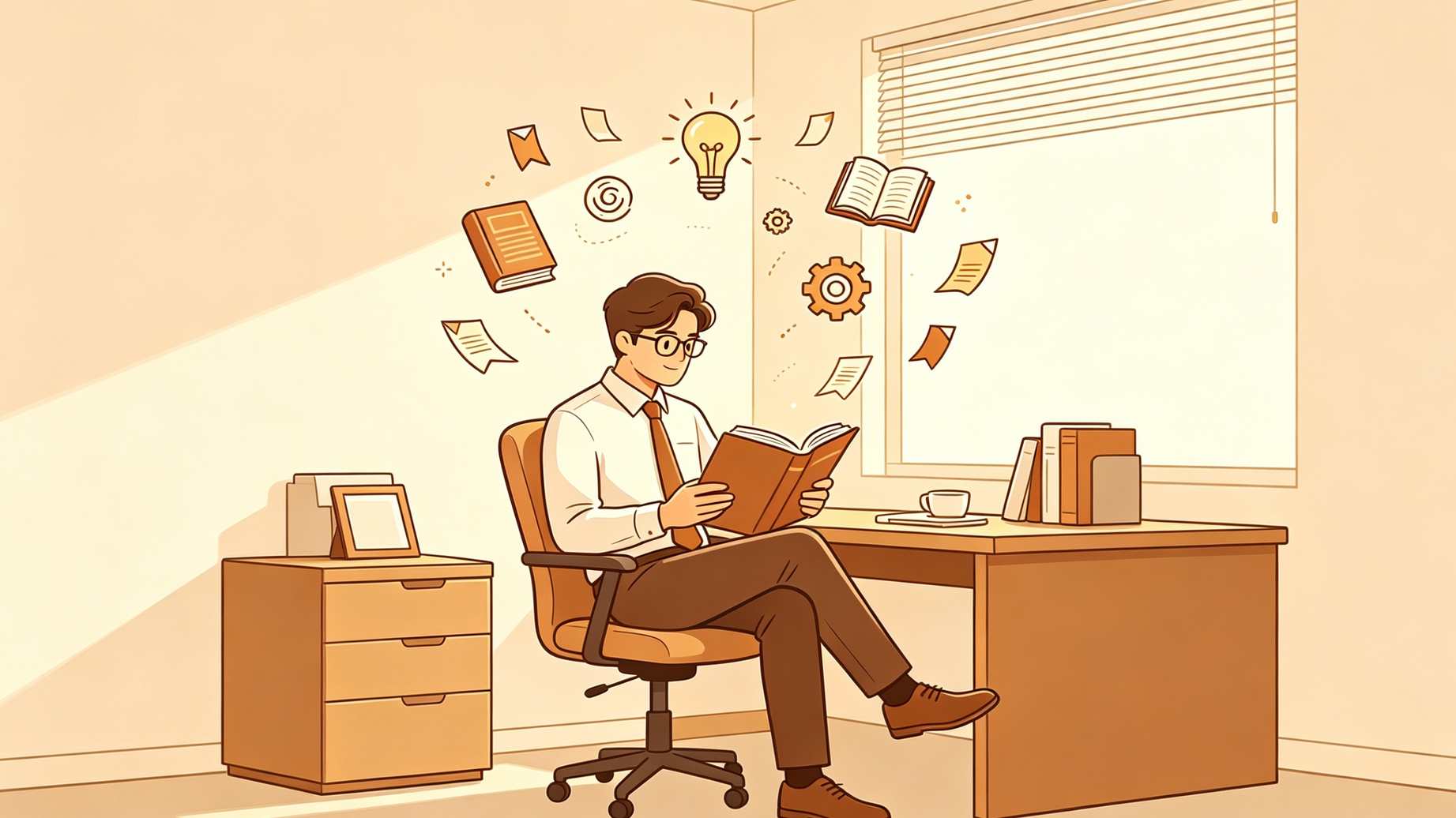
Writing a message is more than just putting words on a screen; it is about the efficient transfer of information. In a world saturated with notifications, a message that stands out is one that respects the recipient's time and cognitive load. According to research from Michigan State University , clarity and simplicity are the foundations of storytelling and communication.
The "Message Box" Strategy
One of the most efficient methods for structuring a message is the "Message Box" strategy. This involves distilling your core point into a single, punchy sentence. If you cannot explain your message in one sentence, it is likely too complex for the medium. Once you have your core point, support it with one strong metaphor or "sound bite." This makes the information "sticky" and easier to recall later.
Adopting the "You Attitude"
A common mistake in messaging is focusing on the sender's needs. Shifting to the "You Attitude" involves framing the message around the recipient's benefits. For example, instead of saying, "I need your receipt to finish the report," try, "To ensure your expenses are reimbursed by Friday, please send over the receipt." This shift in perspective is widely considered one of the best ways to increase response rates and foster cooperation.
The Voldemort Technique for Complex Concepts
When you must explain something difficult or potentially intimidating, use the "Voldemort Technique." This involves using a well-known pop-culture metaphor to anchor a complex topic. For instance, describing a specific computer virus as "the Voldemort of malware" immediately communicates its danger and persistence without requiring a deep dive into technical jargon. This approach simplifies data and makes your message memorable.
How to Format a Formal Message for School or Exams
In academic contexts, particularly in English language exams, message writing follows a strict, traditional format. This is designed to test a student's ability to convey essential information within a constrained structure. Unlike a casual text, an academic message is usually enclosed in a rectangular box to simulate a physical note or a formal digital memo.

Image source: YouTube
The Standard Academic Template
A formal message for school typically includes five distinct parts:
- Date: Placed at the top left or right corner.
- Time: Essential for context, usually placed below the date.
- Salutation: A formal greeting like "Dear [Name]" or simply "[Name],".
- Body: The core information, written in full sentences without abbreviations.
- Sender's Name: Placed at the bottom, sometimes accompanied by a designation.
Writing Professional Messages for Slack Teams and Email
Professional messaging has evolved rapidly, moving away from the rigid structures of the past toward a more fluid, yet still disciplined, style. Whether you are using Slack, Microsoft Teams, or traditional email, the goal remains the same: achieve the desired outcome with minimal friction.
The 3-Step Managerial Framework
Experts at Manager.dev suggest a three-step framework to ensure your professional messages are well-received:
Email-Specific Best Practices
Email remains a top-tier choice for long-form communication and official records. To make your emails more effective, Drexel University recommends using descriptive subject lines. Instead of "Question," use "Request for Q3 Budget Approval." This allows the recipient to prioritize their inbox and makes the thread easily searchable later.
Platform Specific Etiquette Matrix for Modern Communication
A single message must be adapted based on where it is sent. The tone that works on Slack might appear unprofessional in an email, while an email-style message on SMS can feel intrusive or overly formal.
| Platform | Tone | Example: "I'm running late" | Key Rule |
|---|---|---|---|
| Slack/Teams | Casual & Direct | "Running 10 mins late! Start without me 🏃♂️" | Use emojis for tone; keep it brief. |
| Contextual & Formal | "I am delayed by traffic and will arrive by 9:15. Please proceed with the agenda." | Provide a clear ETA and justification. | |
| Networking/Polite | "Apologies for the delay. I look forward to our meeting at 9:15." | Maintain professional distance. | |
| SMS/Text | Ultra-Brief | "Late 10m. See you soon." | High urgency, zero fluff. |
When to Use Emojis in a Work Message?
The use of emojis in professional settings is a subject of ongoing debate. While traditionalists often view them as unprofessional, modern workplace culture increasingly embraces them as a tool for building empathy and brand trust. The key is "Contextual Emoji Use."
In customer service, human-sounding tones and appropriate emojis can significantly improve interactions. However, when messaging a superior or a new client, it is often safer to mirror their style. If they use emojis, you can too; if they remain strictly formal, you should follow suit. This "Culture Check" prevents friction and ensures your message is interpreted as intended.
How to Represent Text Messages in Fiction and Creative Writing
Authors today face the challenge of integrating digital communication into their narratives. Simply writing "He texted her that he was coming" is often less engaging than showing the actual exchange. However, formatting these messages requires careful consideration of visual hierarchy.
Visual Hierarchy on the Page
To distinguish a text message from spoken dialogue, many authors use italics or a different font entirely, such as a monospace typeface. Another common strategy is the "Alignment Strategy," where incoming texts are left-aligned and outgoing texts are right-aligned, mimicking the look of a smartphone screen. This provides a significant advancement in reader immersion.
Character-Driven Grammar
When writing fictional messages, you must balance authenticity with readability. While real people often use heavy slang and poor grammar in texts, overdoing this in a novel can frustrate readers. A highly recommended approach is to use "Character-Driven Grammar"—let the character's personality dictate their texting style. A teenager might use more abbreviations, while a formal professor might text in perfect, punctuated sentences.
Best Practices for Technical Support and Forum Messages
Messaging in technical forums like Stack Overflow or Unity Discussions requires a specific set of rules to ensure you get a helpful response. Vague pleas for help are often ignored, while well-structured queries receive rapid attention.
The "Search First" Mandate
Before posting a public message, you must demonstrate that you have already looked for the answer. According to Unity Discussions , stating what you have already tried is a top-rated way to get experts to engage with your problem. It shows respect for the community's time.
Providing Visual Proof
Technical messages should always include visual proof. This means attaching screenshots of error messages or using BBCode to format code snippets correctly. A message with a clear, technical subject line like "NullReferenceException in PlayerController.cs line 42" will get significantly more engagement than one titled "Help, my game is broken."
Using AI to Draft and Refine Your Messages
Artificial Intelligence has become a notably innovative tool for message drafting. Whether you are struggling with tone or simply need to shorten a long-winded draft, AI can provide a strong starting point.

Image source: Ohio State News - The Ohio State University
Tone Shifting and Summarization
One of the most practical uses for AI is "Tone Shifting." You can take a frustrated "rough draft" and ask the AI to "rewrite this to be professional and solution-oriented." Additionally, AI is excellent at summarization—taking a long meeting transcript and distilling it into a brief Slack update for the rest of the team. While AI is a powerful assistant, always perform a final human check to ensure the "human touch" remains intact.
The Garbage Collection Checklist for Better Messaging
Before you hit send, run your message through this checklist to ensure it stands out as a top choice for clarity and professionalism.
- [ ] Remove Fillers: Did I delete words like "just," "really," and "actually"?
- [ ] Check the CTA: Is the Call to Action bolded or clearly separated?
- [ ] Verify the "You Attitude": Does the message focus on the recipient's benefit?
- [ ] Platform Check: Is the tone appropriate for the medium (Slack vs. Email)?
- [ ] Visual Scan: Are there large "walls of text" that need to be broken into bullet points?
- [ ] Probability to Frequency: Did I change "It might happen" to "It happens 2 out of 10 times"?
Frequently Asked Questions
Key Takeaways for Mastering Modern Communication
Mastering the art of writing a message is a significant step forward in your professional and academic journey. By focusing on clarity, platform-specific etiquette, and the needs of your recipient, you can ensure your communication is always impactful.
- Match the format to the platform, using formal boxes for school and brief pings for Slack.
- Prioritize the "You Attitude" to frame your requests around the recipient's benefits.
- Use visual cues like bolding and bullet points to prevent "walls of text" and improve scannability.
- Adopt the 3-Step Framework (Prepare, Write Simply, Garbage Collect) for all professional correspondence.
- Leverage metaphors like the "Voldemort Technique" to simplify complex or intimidating data points.
- Mirror the recipient's tone when deciding whether to use emojis or casual language.
To see immediate results, take your next draft and remove every instance of the word "just" before hitting send.