Home
How to Choose a Top-Rated Online Booking System for Your Small Business
In 2026, an online booking system is no longer just a calendar; it is a revenue engine. Research shows that 40% of appointments are booked after business hours, making 24/7 automation essential. For solopreneurs, tools like Setmore and Calendly offer strong free tiers, while SimplyBook.me and Square Appointments provide advanced lead routing and payment processing. Security remains a critical factor, as even popular platforms face sophisticated phishing and spam booking attempts.
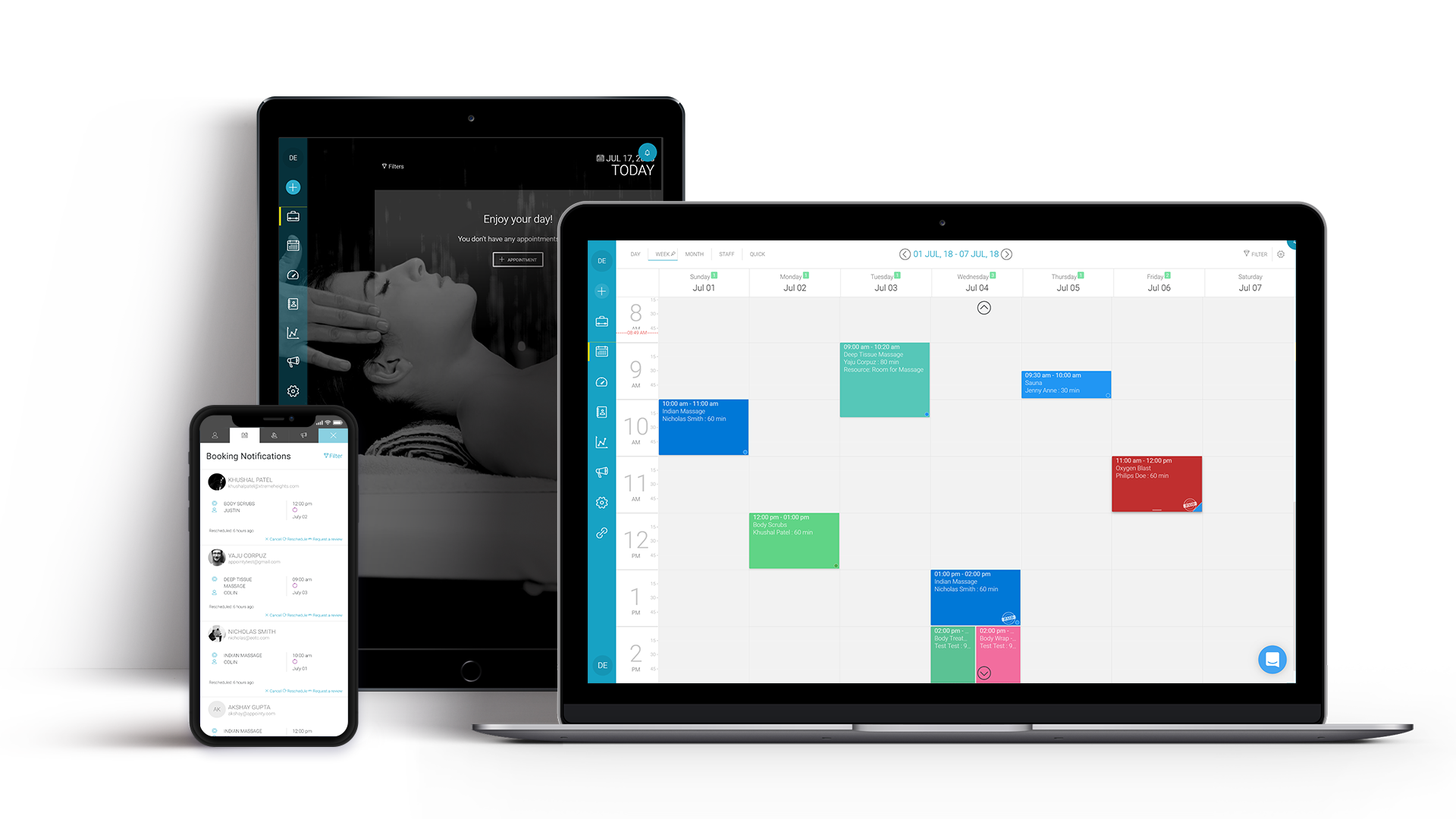
Image source: Appointy
Why Your Business Needs an Automated Booking System Right Now
The transition from manual scheduling to an automated online booking system represents one of the most significant efficiency gains a small business can achieve. In the current landscape, the "email tag" game—where a provider and client exchange four or five messages just to settle on a time—is a primary cause of lead abandonment. By the time you reply to a potential client's inquiry, they may have already booked with a competitor who offers instant scheduling.
According to data from Reservio , approximately 40% of all online bookings occur outside of regular business hours. If your business relies on a receptionist or a manual callback system, you are effectively closing your doors to nearly half of your potential revenue. Automation ensures that your business is "open" for transactions at 11:00 PM on a Sunday, which is a peak time for consumer scheduling activity.
Beyond revenue, the administrative relief is substantial. Service providers report saving an average of 5 to 10 hours per week by eliminating manual entry and reminder calls. Modern systems handle the heavy lifting of sending SMS and email reminders, which significantly reduces "no-show" rates. In a world where time is the most valuable commodity, moving to a self-service model allows you to focus on the actual service rather than the logistics of the appointment.
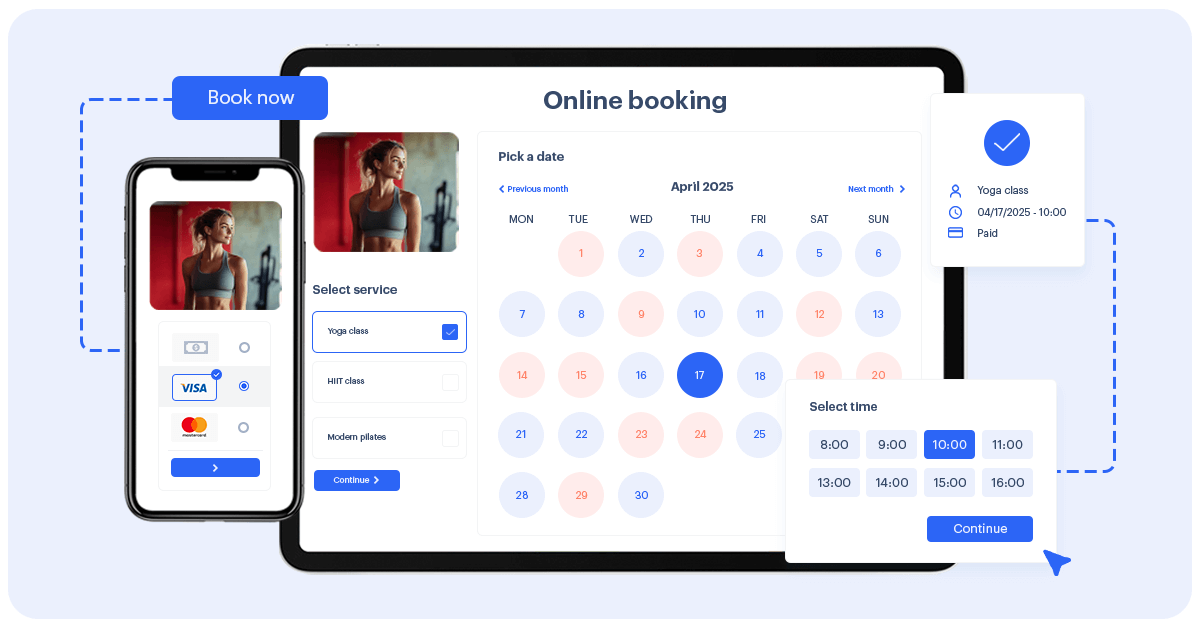
Image source: Webnode
Top-Rated Online Booking Systems for Different Business Needs
Not all booking software is created equal. The right choice depends on whether you are selling your time, a physical resource, or a retail service. In 2026, the market has bifurcated into specialized tools that handle specific business logics.
Calendly & Setmore
These platforms remain the gold standard for simple 1-on-1 meetings. Setmore is widely regarded as a top choice for those starting out, as it allows up to 4 users on its free plan with unlimited appointments. Calendly , used by over 20 million professionals, excels at syncing multiple personal calendars to prevent double-booking.
SimplyBook.me
For businesses with complex needs, SimplyBook.me offers advanced features like "Routing Forms." This allows you to qualify leads with specific questions before they ever see your availability, ensuring your team only meets with high-value prospects.
Square Appointments
If you have a physical storefront, Square Appointments is a strong contender. It integrates directly with physical Point of Sale (POS) hardware and "Tap to Pay" technology, creating a unified flow from booking to final payment.
Resource-Based Booking for Physical Spaces
A significant advancement in recent years is the shift from time-based scheduling to resource-based management. Tools like anny.co have introduced 3D floor plans for booking desks, rooms, or equipment. Instead of just picking a time, users can visually select the specific "Spot" they want in a coworking space or studio. This logic is essential for businesses where the physical asset is the primary constraint, not just staff availability.
What Does It Actually Cost to Use a Booking System?
Understanding the pricing structure of an online booking system requires looking past the "Free" label. Most providers use a freemium model, but the limitations vary significantly. Some limit the number of bookings per month, while others limit the number of staff members or features .
| System | Free Tier Limit | Starting Paid Price | Key Advantage |
|---|---|---|---|
| Reservio | 40 bookings / mo | ~$8.00 / mo | Affordable entry for small growth |
| Setmore | Unlimited bookings (4 users) | $5.00 / mo | Generous free user allowance |
| Square | Unlimited (1 location) | Transaction-based | Seamless POS integration |
| Calendly | 1 Event Type | $10.00 / mo | Industry-standard UX |
For businesses requiring HIPAA compliance—such as medical clinics or therapists—costs typically rise. Compliance is rarely included in entry-level tiers. As noted by SimplyBook.me , HIPAA features often require specific configuration and higher-level subscriptions to ensure data encryption and audit trails meet legal standards. Always factor in the cost of "Add-ons" like SMS credits, which can add $10–$30 to your monthly bill depending on volume.
How to Secure Your Booking System Against Scams and Hacks
There is a "Security Reality Gap" in the booking industry. While most platforms claim to be secure, community reports indicate that small businesses are increasingly targeted by "spam bookings" and phishing attempts. Even on established platforms like Square, users have reported instances of unauthorized access despite having basic security measures in place.
The 10-Point Security Audit for Small Business Owners
- Enable Two-Factor Authentication (2FA) for all staff accounts.
- Require email verification for all new bookers to prevent bot spam.
- Use "Spam Booking" filters (available in premium Google Calendar and Calendly tiers).
- Implement a small non-refundable deposit via Stripe or PayPal to deter fake appointments.
- Audit third-party app permissions quarterly.
- Ensure your booking page uses HTTPS (SSL encryption).
- Never store credit card numbers directly in the "Notes" field.
- Configure HIPAA settings manually if you handle health data.
- Set "Booking Lead Times" to prevent last-minute anonymous bookings.
- Limit the number of appointments a single IP address can make per day.
Security is a shared responsibility. While a provider like Google Calendar provides robust infrastructure, the user must configure the settings to prevent public calendar scraping. According to experts at BookingLive, trust is the currency of online business; a single data breach or a wave of fake bookings can erode your reputation and disrupt your operations for weeks.
Advanced Workflows to Turn More Visitors Into Confirmed Appointments
In 2026, the most successful businesses are moving beyond the "Link in Bio" approach. They are creating a "Marketing-to-Booking Loop" that qualifies leads and manages them using Artificial Intelligence. AI assistants like "Callie" or "Ask Simply" are now capable of handling the initial email thread, answering basic questions about pricing, and only presenting the booking link once the lead is qualified.
AI Meeting Management and Lead Routing
Advanced routing forms are a significant advancement for sales-heavy businesses. Instead of showing every visitor your calendar, you can ask: "What is your budget?" or "What service do you need?" Based on the answers, the system can route the lead to a specific specialist or, if the lead doesn't meet your criteria, offer them a pre-recorded demo or a resource guide instead of a live meeting. This protects your time and ensures you are only speaking with high-intent prospects.
Furthermore, integration with "QR Code Merch" is bridging the gap between physical and digital. A salon might place a QR code on their window or on a stylist's business card that leads directly to a specific service booking page. When combined with Instagram Streams—where your latest work is displayed directly on the booking page—the conversion rate from "just looking" to "confirmed appointment" increases significantly.
Image source: Lemax
Should You Build a Custom Booking System or Buy a SaaS Tool?
A common question among growing businesses is whether to build a custom solution using no-code tools like Bubble or stick with a Software-as-a-Service (SaaS) provider. Insights from the developer community suggest that building a custom booking engine is deceptively difficult. The primary challenge lies in managing "Date and Time Arrays."
Turning a range of time into "available slots" while accounting for time zones, staff breaks, overlapping resources, and buffer times requires complex logic. As discussed in the Bubble Forum , many developers find that they eventually need external APIs or heavy JavaScript to handle the edge cases of scheduling. For 95% of small businesses, a dedicated SaaS tool is the more reliable and cost-effective choice. You should only consider a custom build if your business logic is so unique that no existing tool can accommodate it—such as a complex multi-resource pairing system for a large medical facility.
The Bottom Line
Choosing the right online booking system is a foundational decision for your business's growth in 2026. Here are the key takeaways to guide your choice:
- Prioritize 24/7 Access: Capture the 40% of users who book after hours by ensuring your system is fully automated.
- Match the Tool to the Logic: Use time-based tools (Calendly) for meetings, but resource-based tools (anny.co) for physical spaces.
- Audit Security Manually: Do not rely solely on the provider; implement 2FA and deposit requirements to prevent scams.
- Leverage AI Assistants: Use AI to handle meeting recaps and initial lead qualification to save hours of admin work.
- Watch for Hidden Costs: Factor in SMS credits and HIPAA compliance fees when comparing "free" vs. "paid" plans.
- Start Simple: Use a free tier like Setmore or Square to validate your workflow before committing to an enterprise subscription.
Identify your primary scheduling bottleneck today and test a free version of one of these top-rated systems to see immediate time savings.
Frequently Asked Questions
- Which online booking system offers a strong free tier?
- Setmore is widely considered one of the strongest options for free use, as it allows up to 4 staff members and unlimited appointments. Square Appointments is also a top choice for single-location businesses that want to integrate payments without a monthly subscription fee.
- Can I take payments through my booking system?
- Yes, most modern systems integrate with Stripe, PayPal, or Square. This allows you to collect full payments or non-refundable deposits at the time of booking, which is a highly effective way to reduce no-shows and secure your revenue.
- How do I prevent people from booking fake appointments?
- The most effective methods include requiring email verification, enabling CAPTCHA on your booking page, and implementing a small booking deposit. Additionally, using tools that allow you to "approve" appointments before they are confirmed can add a layer of human oversight.
- Does Google have a free booking system?
- Google Workspace offers "Appointment Scheduling," which allows you to share a booking page linked to your Google Calendar. While there is a basic version, advanced features like multiple schedules and automated reminders usually require a paid Google Workspace subscription.
- Is SimplyBook.me actually HIPAA compliant?
- SimplyBook.me offers features that enable HIPAA compliance, but it is not "active by default." Users must enable the HIPAA "Custom Feature" and configure their settings correctly to ensure that patient data is handled according to legal standards.